
Plain JavaScript API Examples
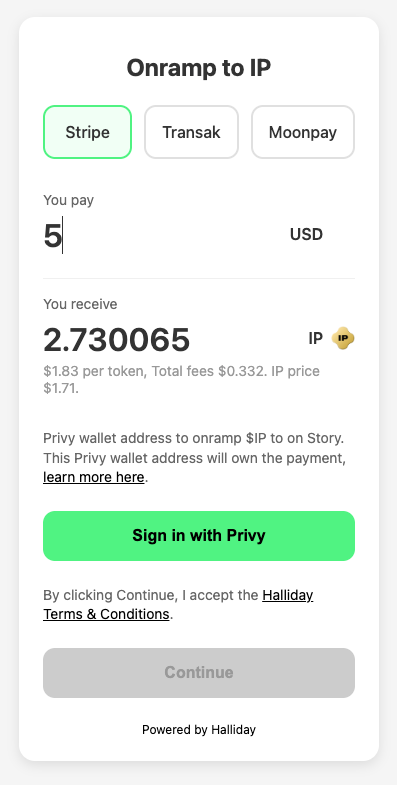
The following open source example app code demonstrates how to implement fiat onramps and cross-chain swaps using the Halliday API. There are also API examples shown to handle withdrawals and retries for payments that have failed to complete.Fiat onramps via API using JavaScript
This example app shows how to build a fiat-to-crypto onramp, with a custom user interface, using the Halliday API.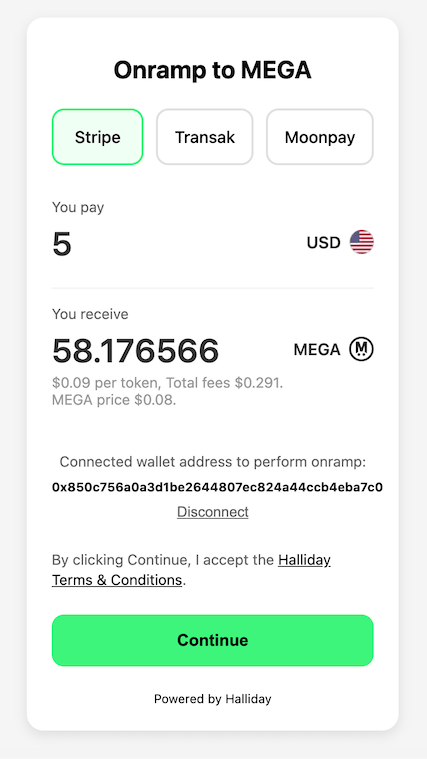
USER_VERIFY next instruction. The user must sign the verification payloads before proceeding. A while loop handles up to two verification round-trips (owner verification followed by withdrawal simulation for large payments).
https://app.halliday.xyz/funding/${payment_id}.
Cross-chain swaps via API using JavaScript
This example app shows how to build a cross-chain swap app, with a custom user interface, using the Halliday API.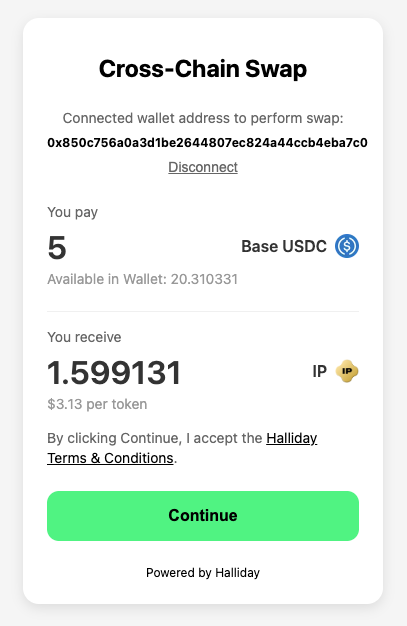
USER_VERIFY next instruction. The user must sign the verification payloads before proceeding. A while loop handles up to two verification round-trips (owner verification followed by withdrawal simulation for large payments).
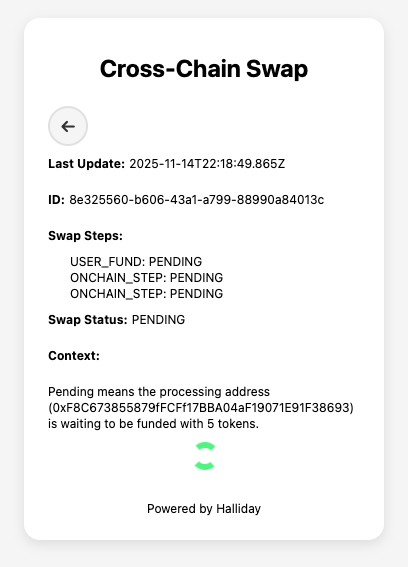
https://app.halliday.xyz/funding/${payment_id}.
Withdraw stuck assets with the API using JavaScript
In the event that a payment begins its onchain steps and fails to complete them, or assets are sent to a processing address in which the payment is expired, a user can sign a transaction to withdraw the tokens to any address. The owner address, which is usually the user’s wallet, is the sole controller of assets in the processing addresses. An overview and details on the withdrawal process are explained on the API Recoveries & Errors page.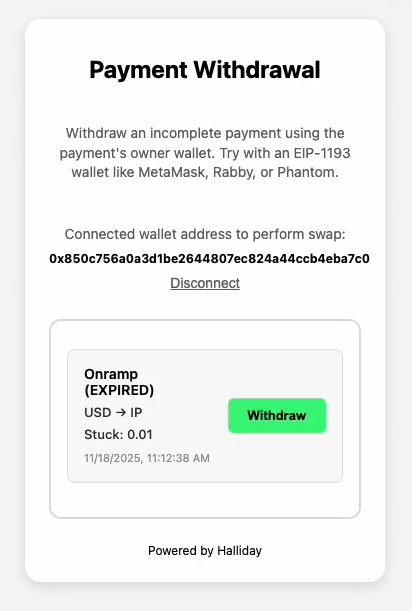
- Get the EIP-712 data from the API (
getTypedData) which is used to sign a transaction to withdraw the token from the processing address. - The transaction is signed (
signTypedData) with the user wallet using Ethers on the client. - The signed transaction data is then sent to the API (
confirmWithdrawal) to confirm the withdrawal and execute it onchain. The API returns the onchain transaction hash in the response body.
Retry incomplete payments with the API using JavaScript
In the event an onramp or swap is funded but fails to complete, a retry can be attempted using assets lingering in a processing address. A retry requires a new quote which uses the lingering assets as the input token amount. Think of retries as a withdrawal of an old payment to deposit into a new payment. The owner address is the sole controller of assets in the processing addresses. The user wallet must sign a transaction to initialize the retry. Payment retries are further explained on the API Recoveries & Errors page.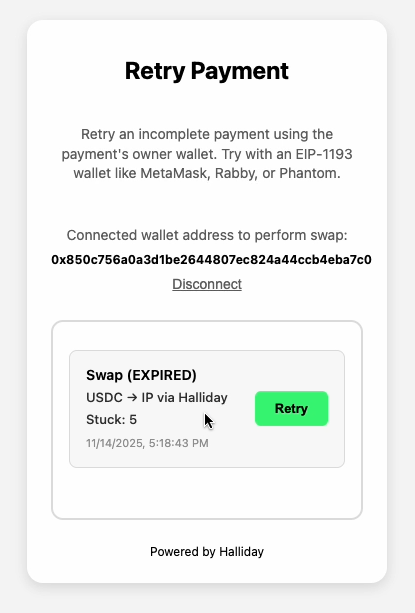
getWalletPaymentHistory above).
Also the same endpoint to fetch current processing address balances is used (see getProcessingAddressBalances above).
Using the balances response, a quote is made for bridging and swapping with the processing address balance as the input. This is the same quotes endpoint used in onramps and swaps. See the getQuote function in the cross-chain swaps example above.
- Use the API endpoint to accept the new quote (see
acceptQuote). This is the same endpoint used to accept quotes in onramps and swaps. - Fetch the withdrawal signature data from the API (see
getTypedData). This transaction will transfer tokens from the old payment to the new payment once it is executed onchain. This is the same gas-sponsored transaction concept explained in the above withdraw example. - The transaction is signed (
signTypedData) with the user wallet using Ethers on the client. - The signed transaction data is then sent to the API (
confirmWithdrawal) to confirm the token transfer from the old payment to the new payment. The API then executes this transaction onchain covering all of the blockchain gas costs.
COMPLETE state once the output tokens have reached the destination address.
React API Examples
The following open source example app demonstrates building onramps, cross-chain swaps, payment retries, and processing address withdrawals using the Halliday API directly by connecting a user’s EIP-1193 wallet like MetaMask or Rabby.React API Examples with Dynamic Embedded Wallets
The following open source example app demonstrates building onramps, cross-chain swaps, payment retries, and processing address withdrawals using the Halliday API directly with a Dynamic embedded wallet.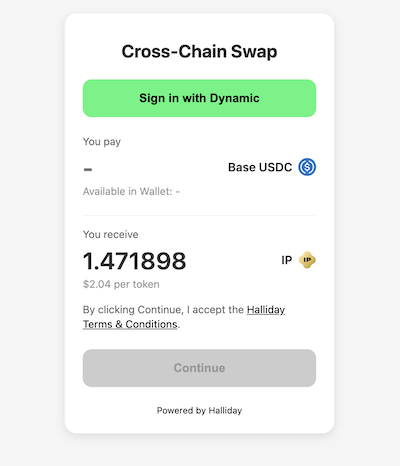
React API Examples with Privy Wallet
The following open source example app demonstrates building onramps, cross-chain swaps, payment retries, and processing address withdrawals using the Halliday API directly with a Privy connected wallet.